
TL;DR:
- Most app rejections are due to metadata, privacy labels, or visual asset mismatches, not code issues.
- Meeting platform-specific requirements across app binary, metadata, privacy, and UI is essential for approval.
- Proper preparation, including accurate listings and thorough testing, significantly increases first-time approval chances.
Nearly half of all app submissions face rejection or delay on their first pass through review, and the reason is almost never the code itself. Most rejections trace back to metadata gaps, mismatched privacy labels, or screenshots that don’t reflect the actual app experience. App store compliance is about meeting every platform-specific requirement for safety, functionality, and user-friendliness, not just shipping working software. This guide walks you through what compliance really covers, how Apple and Google approach reviews differently, and what practical steps you can take to improve your approval rate starting with your next submission.
Table of Contents
- Understanding app store compliance
- Key guidelines for Apple App Store and Google Play
- Navigating the review and approval process
- Advanced edge cases and best practice checklists
- What most guides miss about app store compliance
- Streamline compliance with AppScreenKit tools
- Frequently asked questions
Key Takeaways
| Point | Details |
|---|---|
| Platform-specific rules | Apple and Google each have their own compliance guidelines and review processes. |
| Common rejection causes | App crashes, incomplete metadata, and privacy mistakes lead to most review failures. |
| Best practice checklist | Pre-submission testing and detailed reviewer prep greatly improve approval chances. |
| Edge case awareness | Moderation, IAP validations, and privacy compliance are critical for complex apps. |
| Leverage automated tools | Using template and screenshot generators streamlines compliance and reduces manual errors. |
Understanding app store compliance
App store compliance is not a single checkbox. It spans multiple surfaces: your app binary, your store metadata, your privacy declarations, and your visual assets. Each surface has its own rules, and failing on any one of them can stop your submission cold.
At its core, Apple’s guidelines require that apps be safe, functional, and honest about what they do. Apple leans heavily on manual review, meaning a real person reads your metadata, checks your screenshots, and tests your app against its stated purpose. Google takes a hybrid approach, combining automated scans with manual follow-up for flagged submissions. Google Play’s policies cover everything from restricted content and intellectual property to data safety declarations and account deletion requirements.
Here are the four main compliance surfaces every developer needs to manage:
- App binary: Functionality, stability, permissions, and security
- Store metadata: Title, description, keywords, and screenshots
- Privacy and legal: Data safety forms, privacy policy URL, and permission justifications
- Design and UX: Minimum functionality standards, no copycat interfaces, accessible UI
Where teams consistently stumble is on metadata and privacy. A description that overpromises features, screenshots that show an older UI, or a privacy label that doesn’t match actual data collection will trigger rejection even if the app itself runs perfectly.
| Compliance surface | Apple focus | Google focus |
|---|---|---|
| App binary | Manual testing, crashes, completeness | Automated malware and spam scans |
| Metadata | Accuracy, no keyword stuffing | Relevance, no deceptive descriptions |
| Privacy | Detailed nutrition labels | Data safety section declarations |
| Design | Minimum functionality, no clones | Spam and minimal functionality checks |
“Compliance is not a gate you pass once. It is an ongoing standard that applies to every update, every new metadata field, and every new platform feature you adopt.”
Understanding app store visual trends is part of staying compliant too, since platforms update their screenshot and preview requirements regularly. Pairing that with solid store branding steps ensures your listing looks credible to both reviewers and users.
Key guidelines for Apple App Store and Google Play
Apple and Google share the same high-level goals: protect users, prevent fraud, and maintain platform quality. But the way they enforce those goals is quite different, and understanding those differences saves you from preventable rejections.
Apple’s review guidelines are organized into five sections: Safety, Performance, Business, Design, and Legal. Safety covers objectionable content and user-generated content moderation. Performance requires app completeness and accurate metadata. Business mandates in-app purchase for digital goods. Design prohibits copycat apps and enforces minimum functionality. Legal covers privacy and intellectual property.
Google Play’s enforcement is more automated. In 2025, Google blocked 1.75 million policy-violating apps, with top issues including crashes, excessive permissions, and spam or minimal functionality. New developer accounts now require a closed testing phase before public launch.
| Review category | Apple App Store | Google Play |
|---|---|---|
| Review type | Primarily manual | Automated plus manual |
| Privacy | App privacy nutrition labels | Data safety section |
| Payments | IAP required for digital goods | Same, with Play Billing |
| New accounts | Direct submission allowed | Closed testing required |
| Common rejections | Crashes, metadata, guideline 2.1 | Crashes, permissions, spam |
Some of the most common review failures across both platforms:
- App crashes on launch or during core workflows
- Incomplete or inaccurate metadata (description does not match app behavior)
- Violating content policies (restricted categories, age ratings)
- Requesting permissions with no clear user benefit
- Screenshots that show placeholder content or wrong device frames
Pro Tip: Before submitting, run your app on the oldest supported OS version. Reviewers often test on devices and OS versions that developers rarely use during development, and crashes there are a fast path to rejection.
A solid store listing checklist helps you catch these issues before they reach a reviewer. Strong preview images for conversions also signal to reviewers that your listing is polished and intentional.
Navigating the review and approval process
Knowing the guidelines is a start. Understanding what actually happens during review is what helps you prepare your submission correctly.
Apple’s review is manual and layered. A reviewer will check your metadata first, then your privacy labels, then test the app itself. Apple processes 90% of submissions within 24 to 48 hours, but delays happen when reviewers need more information or when subscription compliance triggers a second layer of review. Guideline 2.1 rejections, covering app completeness and crashes, account for roughly 25 to 40 percent of all Apple rejections.

Google’s process starts with automated scanning. If your app triggers a flag for malware, spam, or policy violations, it moves to manual review. Google blocked over 1.75 million apps in 2025 through this combined system. The timeline varies: clean submissions often clear quickly, while flagged apps can sit in review for days.
Here is a practical breakdown of what to prepare before you hit submit:
- Demo account credentials: Reviewers cannot test login-gated features without them. Include username, password, and any test PIN in the reviewer notes field.
- Backend uptime confirmation: If your app calls an API or loads remote content, make sure those services are live and stable during the review window.
- Privacy policy URL: It must be publicly accessible, not behind a login, and accurately describe your data practices.
- Reviewer notes: Explain any non-obvious features, special hardware requirements, or configuration steps the reviewer needs to know.
- Accurate screenshots: Every screenshot must reflect the current version of the app, on the correct device frame, showing real content.
“Reviewers are not adversaries. They are users who need enough context to evaluate your app fairly. Give them that context and you remove most of the friction.”
A well-organized image launch workflow reduces the chance of screenshot-related rejections. Pair that with smart marketing tips for visibility to make sure your listing performs after it goes live.
Advanced edge cases and best practice checklists
Let’s take your compliance further. Standard guidelines are well-documented, but edge cases are where experienced teams still get tripped up.
User-generated content (UGC) is one of the trickiest areas. Apple guideline 1.2 requires that any app allowing users to post content must include moderation tools, a reporting mechanism, and the ability to block other users. Missing any one of these is an automatic rejection, even if your moderation policy is clearly written in your terms of service.
In-app purchases (IAP) must include a restore purchases button for any non-consumable or subscription product. You cannot route users to an external website to complete a purchase for digital goods. Any attempt to bypass platform payment systems is a policy violation on both Apple and Google.
Privacy labels are increasingly scrutinized. Your App Store privacy nutrition label and Google’s data safety section must match what your app actually does. If you added a new analytics SDK in the latest update but forgot to update your privacy declarations, that mismatch will likely trigger rejection.
Here is a pre-submission checklist based on Apple’s compliance mechanics:
- Test for crashes on real devices across all supported OS versions
- Verify that metadata, screenshots, and app description match the current build
- Confirm privacy labels reflect all data collection, including third-party SDKs
- Provide working demo accounts with reviewer notes
- Ensure your privacy policy URL is live and accessible without login
- Check that all IAP products have restore functionality
- Confirm UGC features include moderation, reporting, and blocking
| Edge case | Requirement | Common mistake |
|---|---|---|
| UGC apps | Moderation, reporting, blocking | Missing block feature |
| IAP | Restore button, no external bypass | No restore for subscriptions |
| Privacy labels | Match actual SDK data collection | Outdated after SDK update |
| Demo accounts | Working login in reviewer notes | Expired credentials |
Pro Tip: Audit your third-party SDKs before every submission. Analytics, attribution, and ad SDKs often collect data that you need to declare in your privacy labels, and SDK updates can change what data is collected without obvious changelog entries.
Detailed screenshot optimization guides and AppScreenKit resources can help you keep your visual assets aligned with the latest platform requirements.
What most guides miss about app store compliance
Most compliance resources focus on the app binary. Fix the crash, handle the permission, pass the test. That framing misses where the majority of real-world rejections actually originate.
Apple reviewers look at your metadata and screenshots before they ever launch your app. If your screenshots show a different UI than what the reviewer sees when they open the app, that is a red flag. If your privacy label says you collect no data but your app includes a third-party analytics SDK, that is an instant rejection. These are not edge cases. They are the norm for teams that treat the listing as an afterthought.
Expert analysis confirms that Apple treats App Store Connect metadata as a separate compliance surface from the app binary itself. Google’s automated systems prioritize spam and malware detection first, meaning a single suspicious metadata pattern can trigger a ban before a human ever reviews your app.
The practical takeaway: build your pre-submission process around every surface, not just the binary. Treat your listing checklist insights with the same rigor you apply to QA testing. The teams that consistently get approved on first submission are not writing better code. They are preparing better listings.
Streamline compliance with AppScreenKit tools
Compliance is not just about avoiding rejection. It is about presenting your app at its best every time you submit. Screenshots that match your current UI, device frames that meet platform specs, and visual assets that communicate your app’s value clearly all contribute to a smoother review and a higher-converting listing.
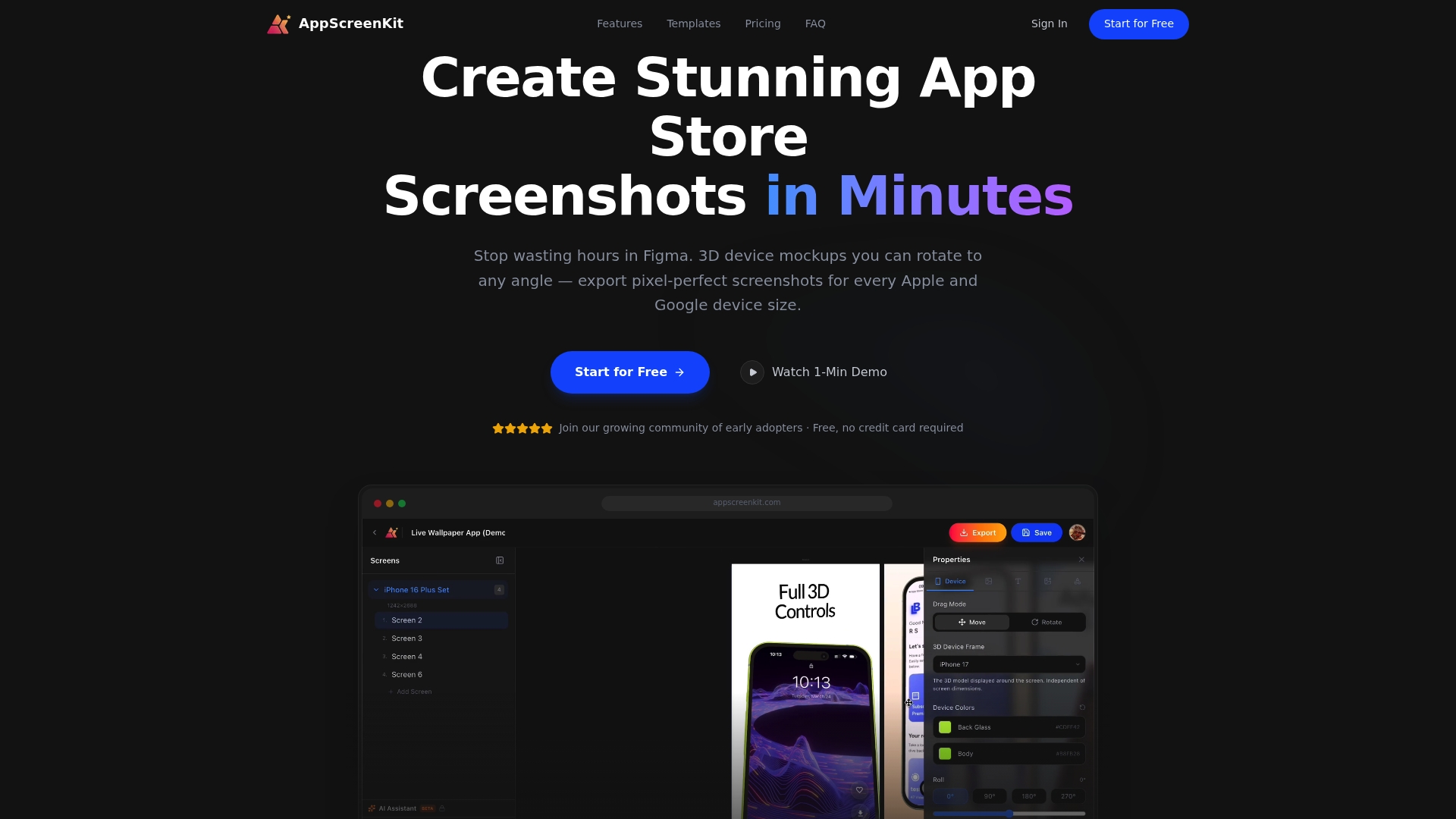
AppScreenKit gives you fast screenshot generation built around platform requirements, so you are never guessing about dimensions or frame accuracy. Use pre-built screenshot templates to move quickly without sacrificing quality, and follow proven branding steps for conversions to make sure your listing stands out after it clears review. Start with the free plan and see how much faster your next submission can go.
Frequently asked questions
What does app store compliance mean?
App store compliance means meeting all platform guidelines for app safety, functionality, design, privacy, and accurate store listing metadata to avoid rejection and get approved. It applies to every update, not just the initial submission.
Why do most apps get rejected during review?
Most apps are rejected due to crashes, incomplete metadata, or mismatched privacy labels. Apple rejections under Guideline 2.1 cover app completeness and crashes at a rate of 25 to 40 percent, while Google blocked 1.75 million apps in 2025 primarily for crashes, excessive permissions, and spam.
How long does the app review process take?
Apple processes 90% of submissions within 24 to 48 hours; Google Play’s timeline varies depending on whether automated scans flag the app for additional manual review.
How can I reduce the risk of app rejection?
Follow a pre-submission checklist: test for crashes on all supported devices, verify metadata accuracy, confirm privacy labels match your actual data collection, and provide clear reviewer notes with working demo account credentials per Apple’s compliance guidelines.
Leave a Reply