TL;DR:
- Mockup tools enable rapid creation of app store visuals, reducing design time from hours to minutes.
- They ensure visual consistency and brand professionalism across multiple screenshots and campaigns.
- Mockup tools improve ASO and localization efficiency, lowering costs and minimizing development risks.
Your app store listing has roughly three seconds to convince a potential user to tap “Download” instead of scrolling past. With over 5 million apps competing across the App Store and Google Play, your screenshots and visuals are doing more selling than your description ever will. Building those visuals from scratch in Photoshop or Figma takes hours, demands design expertise, and still risks rejection from store guidelines. Mockup tools change that equation entirely. This article breaks down the core advantages of using dedicated mockup tools, from faster workflows to smarter localization, and why they outperform manual design for app marketing teams of every size.
Table of Contents
- Visualizing app ideas quickly and efficiently
- Enhancing consistency and brand professionalism
- Accelerating app store optimization and localization
- Reducing development costs and prototype risks
- Why mockup tools beat manual design for app marketing
- Create stunning app store visuals with ease
- Frequently asked questions
Key Takeaways
| Point | Details |
|---|---|
| Faster workflow | Mockup tools help visualize app concepts quickly and gather feedback early in the process. |
| Consistent branding | Templates and design frameworks ensure all app visuals echo your brand identity with ease. |
| Seamless localization | Automation and AI-supported localization features enable rapid adaptation for global markets. |
| Lower costs | Mockup tools cut down on expensive design iterations and reduce risk before development begins. |
| ASO impact | Optimized visuals improve conversion rates and boost visibility in crowded app stores. |
Visualizing app ideas quickly and efficiently
Speed is everything when you’re racing to ship an update or launch a new app. Traditional design workflows require a developer to hand off specs to a designer, wait for a draft, review it, request changes, and repeat. That cycle can eat days. Mockup tools collapse that process into hours, sometimes minutes.
Ready-to-use templates are the biggest time saver. Instead of building a layout from a blank canvas, you start with a professionally structured frame and swap in your actual screenshots. The structure, spacing, and device framing are already handled. You focus on the message, not the mechanics.
This speed also unlocks faster stakeholder feedback. When a product manager or marketing lead can see a realistic store listing visual within the same meeting, approvals happen faster and misalignments get caught early. Mockup tools enable rapid visualization of app designs, aligning stakeholders and allowing early feedback to reduce development costs and risks.
Here’s what that faster workflow looks like in practice:
- Upload your app screenshots directly into the tool
- Choose a device frame and layout template
- Add branded text, background colors, or gradients
- Export all required sizes in one click
You can also explore app mockup customization strategies to push your visuals even further once the basics are locked in.
“The best mockup tools don’t just save time. They remove the skill barrier entirely, letting developers present their work with the same visual polish as a funded studio.”
Pro Tip: Set up a base template with your brand colors and font choices once, then reuse it across every future update. You’ll cut your per-update visual production time by more than half.
Enhancing consistency and brand professionalism
Once speed and flexibility are addressed, consistency is the next pillar of app visual success. A visually inconsistent app listing, where one screenshot uses a blue gradient and another uses a white background, signals a lack of polish. Users notice, even if they can’t articulate why.
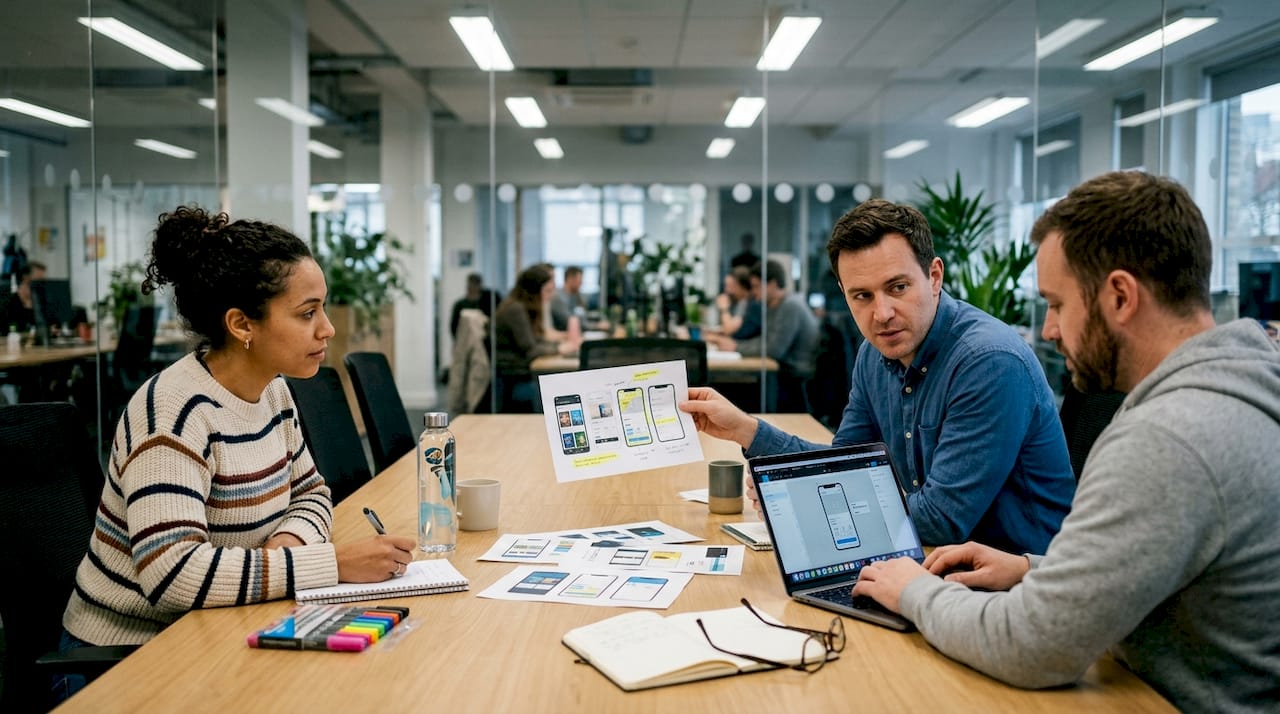
Mockup tools enforce consistency by design. Every template you use shares the same spacing rules, font hierarchy, and color logic. When you update one element, it propagates across your set. That’s something even experienced designers struggle to maintain manually across six or more screenshots.
Here’s a quick comparison of manual design versus mockup tools for brand consistency:
| Factor | Manual design (Figma/Photoshop) | Dedicated mockup tool |
|---|---|---|
| Setup time | 2 to 4 hours per set | 15 to 30 minutes |
| Consistency across screens | Requires manual checks | Enforced by templates |
| Seasonal updates | Redesign from scratch | Swap assets, re-export |
| Design skill required | Intermediate to advanced | None required |
| Multi-platform sizing | Manual resizing | Automated |
Seasonal campaigns and feature launches are where this advantage really shows up. Instead of rebuilding your entire screenshot set for a holiday promotion, you swap in a new background and update the headline text. The underlying structure stays consistent, and your brand identity stays intact.
Specialized mockup tools excel for marketers in ASO by enabling quick iterations, brand consistency, and global scaling via AI. That combination is nearly impossible to replicate at the same speed with manual tools.
Strong app store branding steps matter more than most developers realize, and pairing them with solid app visual marketing practices creates a listing that feels intentional and trustworthy.
- Use the same font family across all screenshots
- Keep background styles consistent within a set
- Align device mockup angles for a unified look
Pro Tip: Pick two complementary brand colors and one accent color before you start. Stick to those three across every screenshot. Visual discipline at this level separates amateur listings from professional ones.
Accelerating app store optimization and localization
Consistency builds trust, but reaching new markets and optimizing visuals for ASO demands even more agility. App store optimization (ASO) is the practice of improving your listing to rank higher and convert better. Visuals are a core part of that, and testing different versions requires speed.
Manual design in Figma or Adobe XD makes A/B testing screenshots painful. Every variant requires a new file, new exports, and new uploads. Mockup tools flip that process. You change one element, export, and you’re done.
Here’s how mockup tools stack up against manual workflows for key ASO tasks:
| ASO task | Manual workflow time | Mockup tool time |
|---|---|---|
| Create new screenshot set | 3 to 6 hours | 20 to 40 minutes |
| Localize for 5 languages | 1 to 2 days | 1 to 3 hours |
| Resize for new device | 30 to 60 min per image | Automatic |
| Test a new color variant | 1 to 2 hours | 10 minutes |
Localization is where the gap becomes dramatic. Tools like ScreenshotWhale and AppLaunchpad provide templates, AI localization, and automation, saving significant time compared to manual design in Figma or Adobe XD. Translating text overlays, adjusting layouts for right-to-left languages, and generating market-specific visuals used to require a dedicated localization designer. Now it’s a workflow step.
Here’s a practical process for using mockup tools in your ASO workflow:
- Build your base screenshot set in your primary language
- Identify your top three target markets by download potential
- Use the tool’s localization features to generate translated versions
- Export all device sizes in one batch
- Upload and begin your A/B test
For teams evaluating their options, reviewing mockup tool alternatives helps you find the right fit. Staying current with visual trends for 2026 also ensures your localized visuals don’t feel dated in new markets.
Reducing development costs and prototype risks
Once localization and ASO are streamlined, the broader business benefits of saving time and money come into focus. The most expensive problems in app development are the ones caught late. A misunderstood feature, a layout that doesn’t work on a real device, a marketing message that doesn’t land. Catching these issues after development is finished costs far more than catching them during planning.
Mockup tools make early-stage visual feedback possible without requiring a single line of code. A developer can show a realistic store listing to a client or investor before the app is even built. A marketer can test messaging with real users before committing to a full campaign.
“The earlier you catch a visual or messaging problem, the cheaper it is to fix. Mockup tools move that discovery window from post-launch to pre-development.”
Here’s where mockup tools specifically reduce risk and cost:
- Stakeholder alignment: Everyone sees the same visual reference, reducing verbal miscommunication
- User testing: Show realistic screenshots to target users before building anything
- Investor presentations: Professional visuals build credibility without requiring a finished product
- Store rejection prevention: Templates built to spec reduce guideline violations
- Faster iteration: Change a layout in minutes, not hours, when feedback comes in
Mockup tools enable rapid visualization of app designs, aligning stakeholders and allowing early feedback to reduce development costs and risks. That’s not a small benefit. It’s the difference between a smooth launch and an expensive rebuild.
Pairing strong app preview image strategies with a solid store listing checklist gives your team a repeatable system that catches problems before they become expensive ones.
Why mockup tools beat manual design for app marketing
Here’s the perspective most articles skip: the debate between mockup tools and manual design isn’t really about features. It’s about who your team actually is.
Figma and Photoshop are powerful. But they’re built for designers. If your team is mostly developers and marketers, those tools create a bottleneck because someone with design skills has to touch every asset before it ships. That dependency slows everything down and creates a single point of failure.
Mockup tools are built for people who need professional output without professional design training. That’s most app teams. Indie developers, two-person startups, and growth-focused marketers don’t have a dedicated designer on call. They need to move fast and look credible.
The uncomfortable truth is that a well-executed mockup tool output often outperforms a custom Figma design in real-world ASO results. Why? Because mockup tools are optimized specifically for store listings. The templates follow proven visual patterns. The device frames are current. The export specs match store requirements exactly.
With AI and automation now built into leading platforms, even a solo developer can produce a localized, multi-device screenshot set that competes directly with apps backed by full design teams. Strong app preview images are no longer a luxury reserved for well-funded studios. They’re accessible to anyone willing to use the right tool.
Create stunning app store visuals with ease
If the advantages covered in this article resonate with your workflow challenges, the next step is putting them into practice. AppScreenKit is built specifically for developers and marketers who want professional app store visuals without the design overhead.
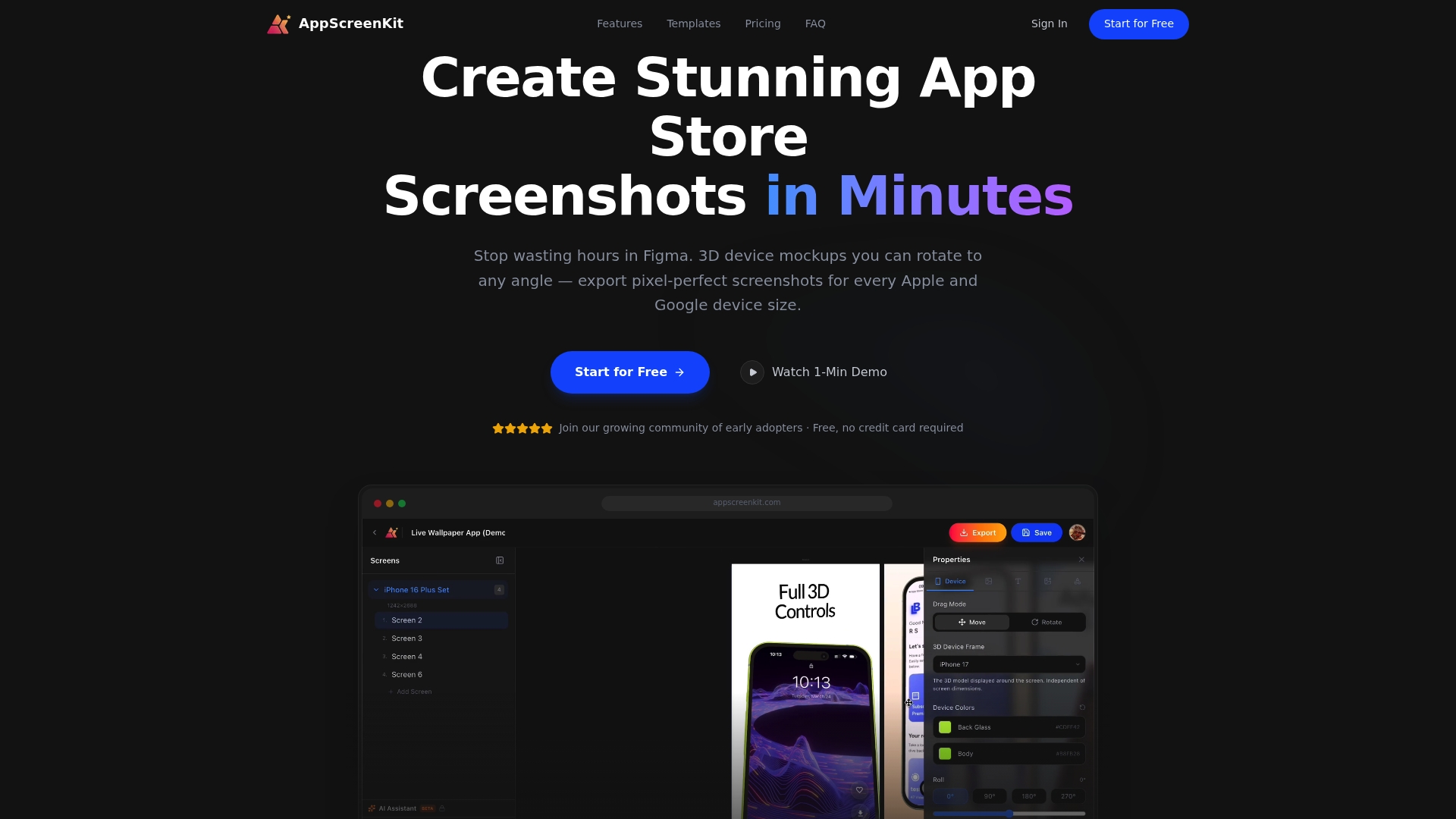
With AppScreenKit, you can upload your screenshots, apply 3D device mockups, add branded text and gradients, and export pixel-perfect images for every required device size in minutes. The platform’s AppStore Screenshot Generator handles the technical requirements automatically, so you spend your time on messaging and creativity, not manual resizing. Explore mockup customization tools to see how far you can push your visuals. A free starter plan means there’s no reason not to try it today.
Frequently asked questions
How do mockup tools improve app store conversion rates?
They streamline the creation of high-impact visuals that make your app look credible and appealing at first glance. Quick iterations and brand consistency enabled by mockup tools directly support better ASO performance.
Can mockup tools help with app localization for different markets?
Yes, many mockup tools use AI-powered localization to quickly generate images for multiple languages and regions. AI localization and automation in tools like ScreenshotWhale and AppLaunchpad make this far faster than manual design workflows.
What makes mockup tools better than manual design in Figma or Photoshop?
Mockup tools automate routine design steps and offer store-optimized templates, enabling faster creation without advanced design skills. Quick iterations via AI give marketers an edge that manual tools simply can’t match at the same speed.
Do mockup tools reduce app development costs?
Yes, by aligning teams early and enabling quick visual feedback, mockup tools help avoid costly late-stage redesigns. Early feedback via mockups reduces both development risk and the expense of fixing misaligned expectations after build.
Leave a Reply