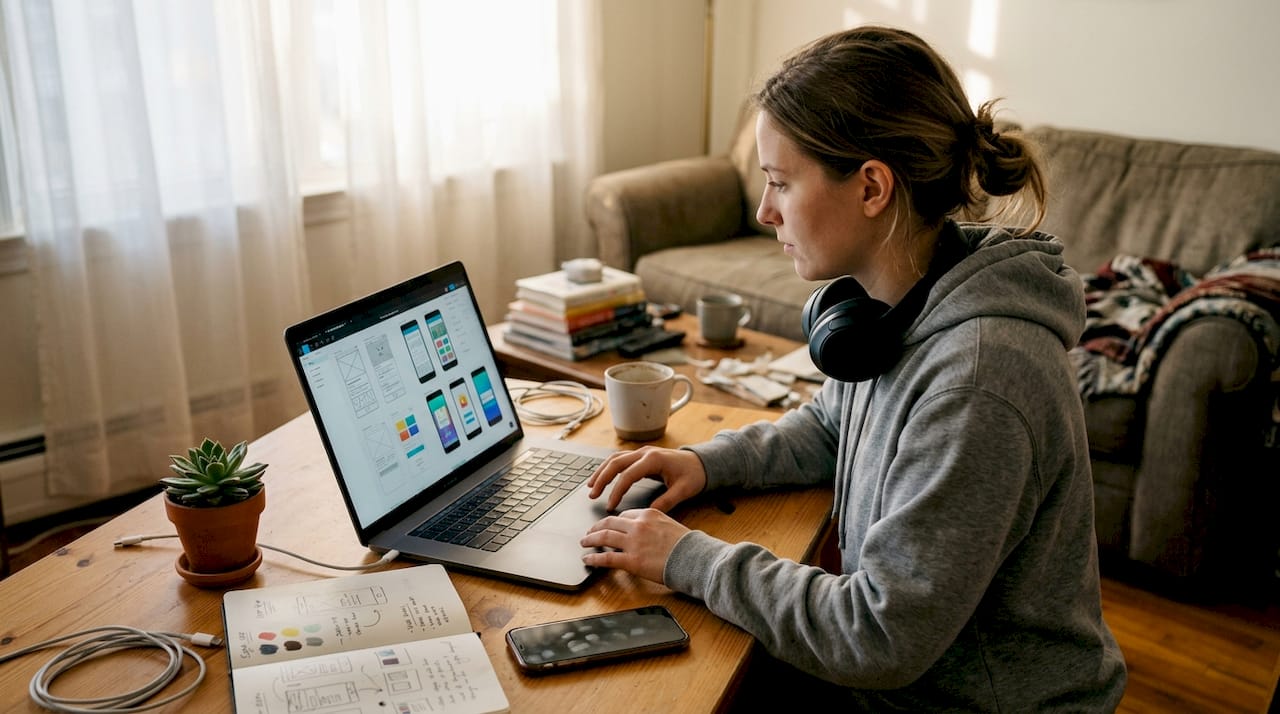
Most indie developers ship their apps with generic, default screenshots and assume the product will speak for itself. It rarely does. App store visitors make split-second decisions, and your visuals are doing the heavy lifting before a single word of your description gets read. Custom app mockups are not a luxury reserved for big studios with design teams. They are a practical, high-leverage move that directly affects how many people download your app. This guide breaks down exactly what mockup customization involves, which tools work best for lean teams, and how to use visuals to compete at a higher level.
Table of Contents
- What is app mockup customization?
- Popular tools for creating custom app mockups
- Key mockup customization options and styles
- How custom mockups impact app store performance
- Why simple customization often beats fancy effects
- Easily create stunning app mockups with AppScreenKit
- Frequently asked questions
Key Takeaways
| Point | Details |
|---|---|
| Mockup customization defined | Custom app mockups are tailored images that can dramatically improve app store appeal. |
| Top tools compared | Specialized mockup generators save indie teams time and offer user-friendly templates. |
| Customization options matter | Small changes in layout, framing, and color can boost perceived quality and conversion. |
| Performance gains | Custom visuals have a proven impact on app store conversion rates and downloads. |
What is app mockup customization?
App mockup customization is the process of creating tailored visual representations of your app specifically designed for app store listings, marketing pages, or pitch presentations. Rather than exporting raw screenshots and uploading them as-is, you wrap your UI inside device frames, add context, layer in branded colors, and compose a visual story that communicates your app’s value instantly.
The goal is not just aesthetics. It is about signal. When a potential user sees a polished, intentional screenshot, they infer that the app itself is polished and intentional. That inference drives downloads.
For indie developers, this matters even more. You do not have a brand name doing the work for you. Your visuals are your first impression, your pitch, and your proof of quality all at once. As customizing app mockups helps indie developers stand out beyond default screenshots, the difference between a generic upload and a crafted mockup can be the difference between getting noticed and getting scrolled past.
Here is what app mockup customization typically covers:
- Device framing: Placing your UI inside realistic phone or tablet frames to give context
- Background design: Using gradients, solid colors, or lifestyle imagery to set the mood
- Text overlays: Adding short benefit-driven captions that explain what the screen shows
- Scene composition: Arranging multiple devices or angles to tell a visual story
- Color theming: Matching mockup colors to your brand palette for consistency
“The best mockups do not just show what an app looks like. They show what it feels like to use it.”
You can explore a wide range of mockup use cases to understand how different industries and app categories approach visual presentation. The variety is broader than most developers expect, and seeing examples across categories can spark ideas for your own listing.
Using the right screenshot mockup tools makes this process significantly faster. The barrier to creating professional visuals has dropped dramatically in recent years, which means there is less and less excuse for shipping with bare screenshots.
Popular tools for creating custom app mockups
Choosing the right tool depends on your workflow, your design confidence, and how much time you can realistically spend on store visuals. The good news is that the landscape has expanded well beyond Figma and Photoshop.
AppMockUp Studio, Mockup by Apprime, and ScreenshotWhale provide easy-to-use templates requiring far less effort than complex tools like Figma or Photoshop. For indie teams that need to move fast, these purpose-built tools are usually the right call.
Here is a quick comparison of the most common options:
| Tool | Best for | Learning curve | Cost |
|---|---|---|---|
| AppMockUp Studio | Fast template-based mockups | Low | Free/Paid |
| Mockup by Apprime | Clean device frames | Low | Free |
| ScreenshotWhale | Batch export | Low | Free/Paid |
| Figma | Full creative control | High | Free/Paid |
| Photoshop | Pixel-level precision | High | Paid |
| Pixelmost | AI-driven automation | Medium | Paid |
| AppScreenKit | 3D mockups, store-ready export | Low | Free/Paid |
For rapid prototyping and store submission, the lower-learning-curve tools win almost every time. Figma and Photoshop are powerful, but they are also time sinks if your primary goal is getting polished screenshots out the door quickly.
AI-powered tools like Pixelmost are worth watching. They automate background removal, device placement, and layout suggestions, which can cut mockup creation time significantly. The tradeoff is less granular control, but for many indie developers, speed matters more than pixel-perfect precision.
Pro Tip: Start with one template-based tool to get your first set of mockups live quickly. Once your app is generating downloads, invest time in more customized visuals using a tool with deeper controls.
If you want to generate app mockups without a steep learning curve, look for platforms that handle device sizing and export formats automatically. Manually resizing for every device size is one of the biggest time drains in the submission process. You can also create custom screenshots directly in a browser-based editor without installing anything.
Key mockup customization options and styles
Once you have picked a tool, understanding your customization options helps you make intentional design decisions rather than just accepting defaults.
Device framing is the most fundamental choice. You are selecting which physical device your UI appears inside, and this affects perceived quality and relevance. An iPhone 15 Pro frame signals modernity. An older device frame can undercut that perception, even if your app runs perfectly on both.
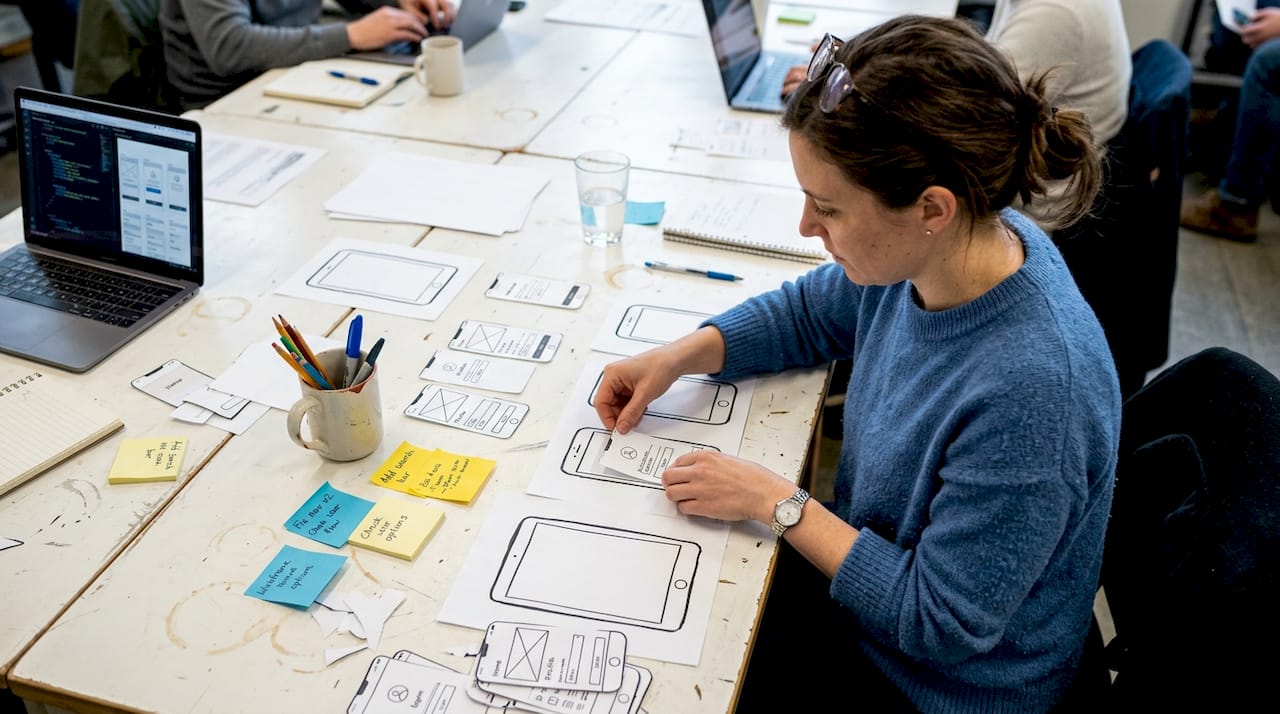
Background selection has a surprisingly large impact. A flat color background keeps attention on the UI. A gradient adds energy and brand personality. A lifestyle photo behind the device adds aspirational context but can get cluttered fast.
Here is how the three main mockup styles compare:
| Style | Visual feel | Best use case | Risk |
|---|---|---|---|
| 2D flat | Clean, minimal | Utility apps, productivity | Can feel generic |
| 3D rotated | Dynamic, modern | Games, lifestyle apps | Can distract from UI |
| Frameless | Pure UI focus | Design-forward apps | Needs strong UI |
Some developers prefer frameless UI for a cleaner look, while others use 3D mockups for realism and depth. Neither is universally better. The right choice depends on your app’s category, your target user, and what your competitors are doing.
Key customization elements worth prioritizing:
- Text overlays with short, benefit-focused copy (under 6 words per caption)
- Consistent color palette across all screenshots for a cohesive listing
- Logical screen sequence that tells a story from problem to solution
- Device angle variation to add visual interest across the screenshot set
3D mockup customization has become much more accessible. Platforms now let you rotate devices in true 3D space without needing a 3D modeling background. This used to require Blender or Cinema 4D. Now it takes a drag of a slider.
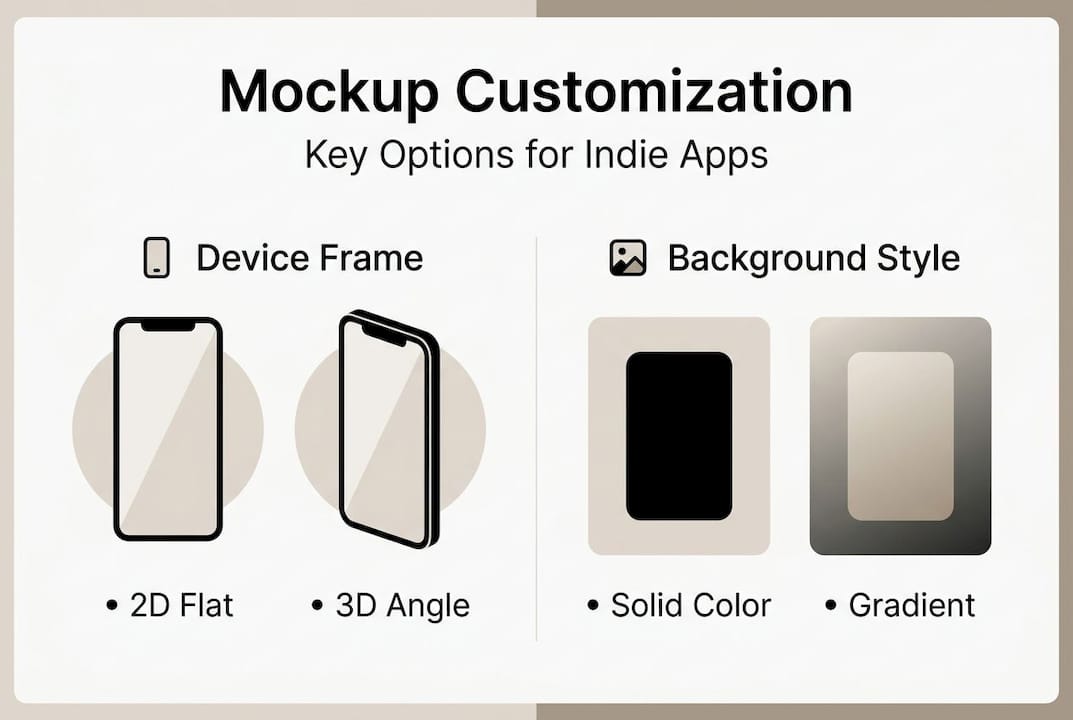
AI-powered features speed up the process but work best when you have a clear visual direction already in mind. Use AI to execute faster, not to decide for you.
How custom mockups impact app store performance
Visuals are not decoration. They are conversion infrastructure. The app store is a visual-first environment, and your screenshots are the primary driver of whether someone taps “Get” or keeps scrolling.
Enhanced visuals with custom mockups can elevate an indie app’s store presence, helping it compete directly with larger, better-funded apps. The playing field is more level than most developers realize, because a well-crafted mockup from a solo developer can outperform a lazy screenshot set from a major studio.
Stat: Improving app store screenshots is consistently cited as one of the highest-ROI optimizations available to indie developers, with some teams reporting 20 to 40 percent conversion lifts after a visual refresh.
AI-driven mockups allow faster iterations, improving both the quality and quantity of A/B tested assets. This matters because A/B testing your screenshots is one of the most direct ways to measure what actually works for your specific audience.
Here is a simple A/B testing sequence for app visuals:
- Create two versions of your first screenshot with different headlines or layouts
- Run the test using App Store Connect’s product page optimization feature
- Wait for statistical significance (usually 7 to 14 days minimum)
- Implement the winner and move to testing the second screenshot
- Repeat the cycle every 60 to 90 days as your user base grows
To boost app conversion, focus your first screenshot on the single clearest benefit your app delivers. Users scan, they do not read. Your first frame needs to communicate value in under two seconds.
The compounding effect is real. Better visuals bring more downloads. More downloads improve your store ranking. Better ranking brings more organic traffic. The whole cycle starts with a screenshot.
Why simple customization often beats fancy effects
After working closely with indie developers across dozens of app categories, one pattern keeps showing up: the cleanest mockups consistently outperform the most elaborate ones.
It is tempting to add glows, particle effects, layered gradients, and multiple floating devices. It feels like more effort equals more impact. But users processing your listing in two seconds do not reward complexity. They reward clarity.
A single device, a clear headline, and a background color that contrasts well with your UI will almost always outperform a visually dense composition. The fancy effects pull attention away from the app itself, which is the one thing you actually want people to look at.
The developers who see the best results from mockup customization are the ones who ask, “What is the one thing I want someone to understand from this screenshot?” and then remove everything that does not answer that question.
Investing your time in message clarity and visual hierarchy will return more downloads than chasing the latest design trend. Simple is not lazy. Simple is strategic.
Easily create stunning app mockups with AppScreenKit
If you are ready to put these principles into practice, AppScreenKit is built exactly for this workflow. It is a web-based platform that lets indie developers create professional, store-ready mockups in minutes without any design background required.
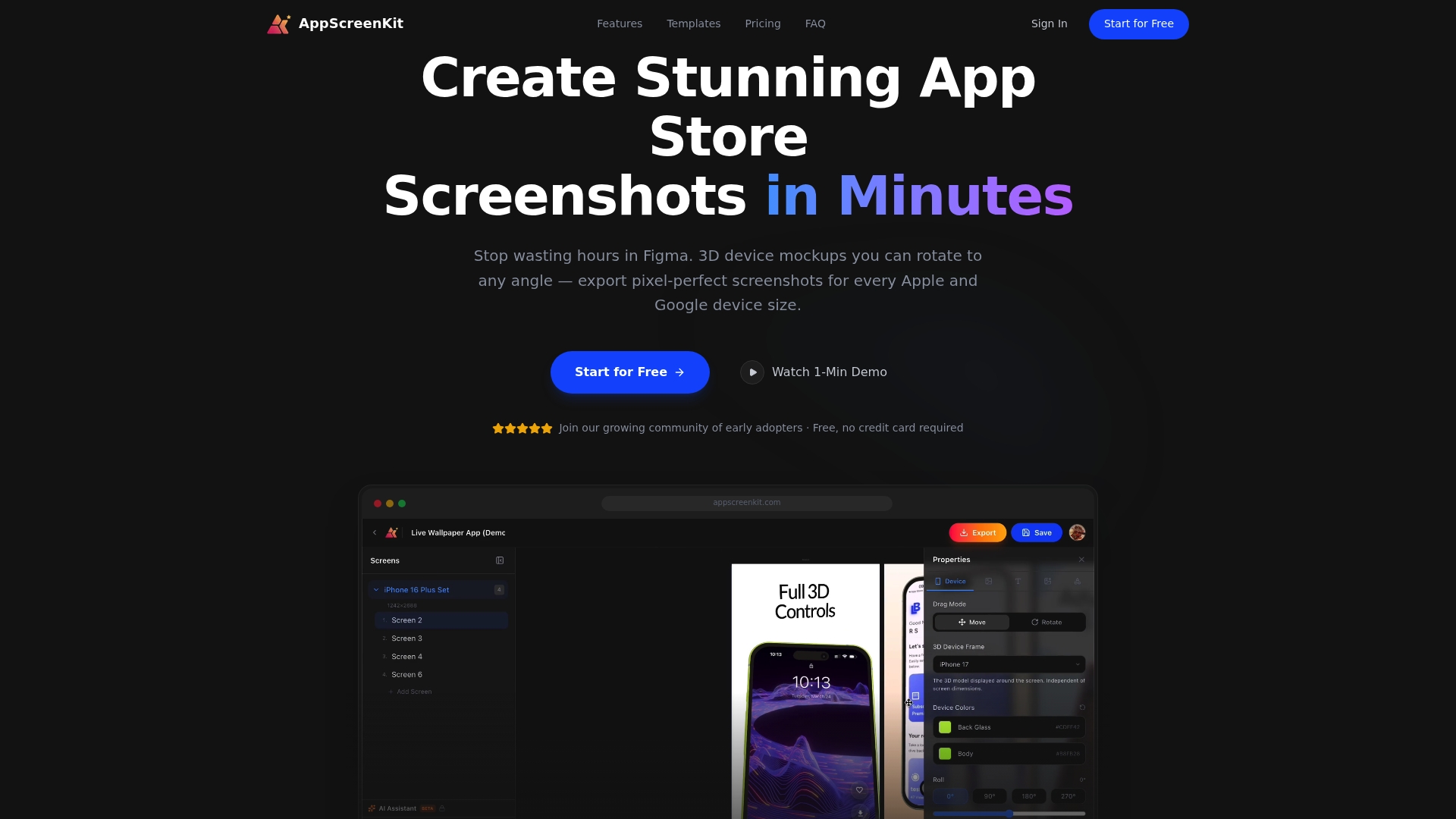
You get access to professional 3D device mockups you can rotate in true 3D space, gradient backgrounds, text overlays, and one-click export for every required device size. No Figma. No Photoshop. No resizing headaches. The App Store Screenshot Generator handles the technical requirements so you can focus on the creative side. Open the AppScreenKit editor and start building your first mockup set today with the free starter plan.
Frequently asked questions
What are the benefits of customizing app mockups for indie developers?
Custom app mockups enhance your app’s visual appeal and help you stand out in crowded app stores, directly increasing download rates. For indie developers without a recognized brand name, polished visuals are often the single most effective conversion lever available.
Which tools are easiest for beginners to use for mockup customization?
AppMockUp Studio and Mockup by Apprime offer intuitive templates that require no design experience, making them ideal starting points for beginners. ScreenshotWhale is also worth trying if you need batch export across multiple device sizes.
Should I use 3D mockups or frameless UI styles?
Use 3D mockups for realism or frameless styles for a modern, clean look, and base that decision on your app’s branding and target audience. Games and lifestyle apps tend to benefit from 3D depth, while productivity and utility apps often perform better with frameless, UI-forward designs.
How do AI tools help speed up the mockup creation process?
AI-powered tools like Pixelmost automate repetitive tasks like background removal and device placement, cutting creation time significantly. The tradeoff is less manual precision, but for iterating quickly across multiple A/B test variants, the speed advantage is hard to ignore.
Leave a Reply