Finding the right tool can feel like searching for a perfect fit in a sea of choices. You want something that makes your creative ideas shine and handles details with ease. Options come packed with features that catch your eye or offer fresh ways to bring your vision to life. Some focus on speed and simplicity while others bring design powers you might not expect. Curiosity grows as you wonder which one stands out. The best pick for your needs could be just ahead.
Table of Contents
AppScreenKit
At a Glance
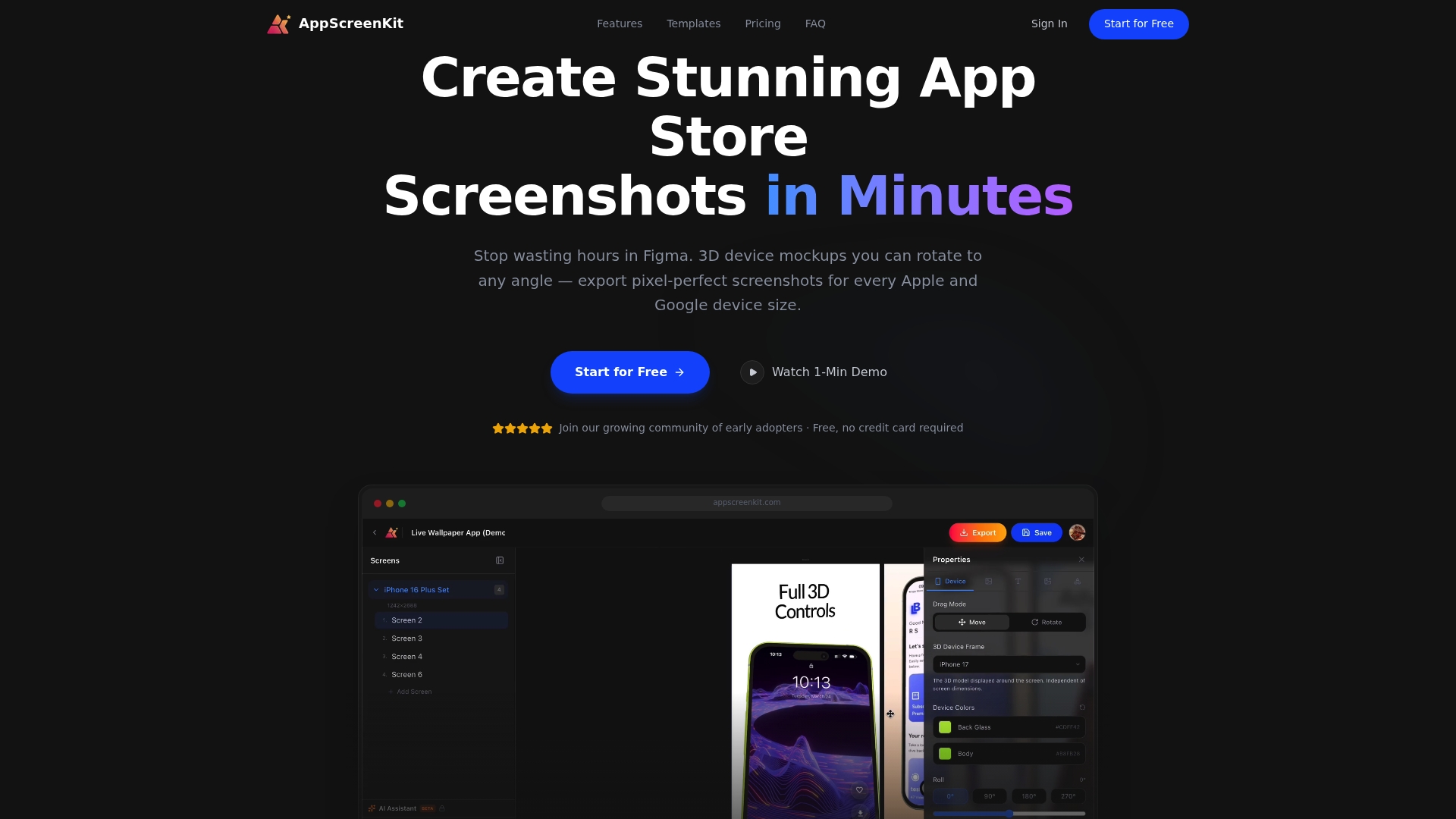
AppScreenKit is the leading solution for creating professional app store screenshots quickly. It removes design friction so developers and marketing teams produce pixel perfect, rejection free submissions without Figma or steep learning curves.
Core Features
AppScreenKit focuses on speed and visual fidelity with 3D device mockups, auto resizing, and one click export. The interface offers pre built templates and layered elements so you control branding, color, and typography with minimal effort.
- 3D device mockups with full rotation
- Auto resizing for multiple device sizes from a single design
- Easy customization with colors, fonts, backgrounds, and layered elements
- Pre built templates for quick setup
- One click export for all necessary device sizes in app stores
Pros
- Fast and easy to use: You do not need prior design skills to create store ready screenshots in a few minutes.
- Professional mockups: The 3D devices and visual polish make listings look production ready and trustworthy.
- Multi device support: One design exports to all iOS and Android sizes so you avoid manual resizing errors.
- Brand customization: Colors, fonts, and layered elements let you match corporate identity without external tools.
- Free starter plan: A no cost option lets indie developers trial core features before committing.
Who It’s For
AppScreenKit targets indie developers, small teams, and app marketers who need high quality app visuals fast. It fits teams that release often and cannot afford a designer for every update. It also serves agencies producing multiple client listings.
Unique Value Proposition
AppScreenKit sets the standard by combining true 3D device rotation with automated size exports. That combination removes repetitive resizing work and reduces store rejections. The product trades a broad feature surface for razor focused capabilities that yield consistent, pixel perfect output at low cost.
Sophisticated buyers choose AppScreenKit because it delivers reliable, repeatable results. You get predictable exports, templates tuned for conversion, and a workflow that integrates into release cadence without design overhead.
Real World Use Case
A solo developer uploads native app screenshots, selects a template, rotates a 3D mockup to highlight an interaction, updates brand colors, and exports all required device sizes in one click. The team ships the store update in hours instead of days and avoids layout rejections.
Pricing
Free tier available for basic usage. Premium plan costs $4.17 per month billed annually at $49.99 and includes unlimited projects, unlimited exports, priority support, and additional premium features.
Website: https://appscreenkit.com
AppPreviewMaker
At a Glance
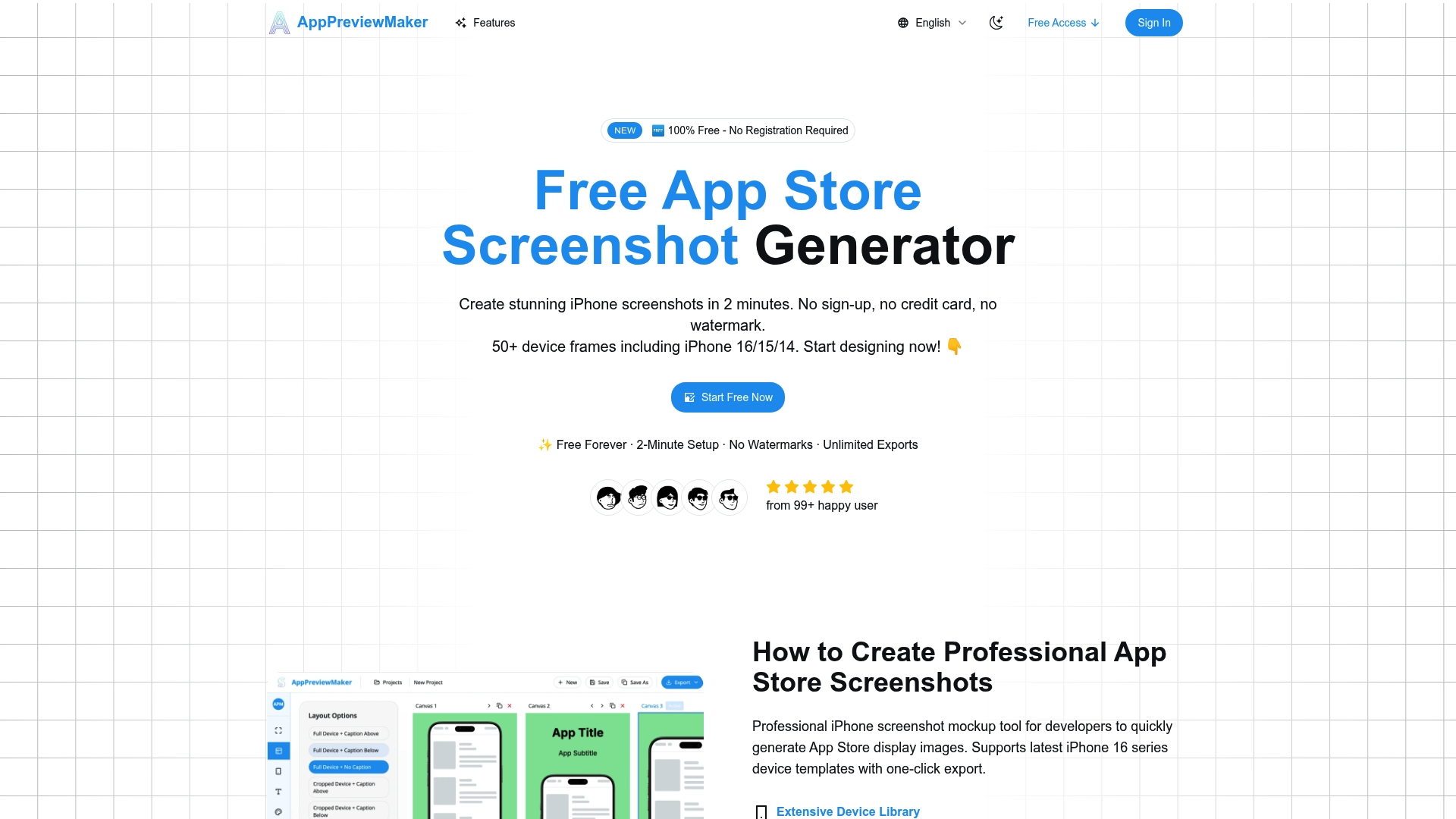
AppPreviewMaker is a free to use app screenshot generator focused on fast, professional visuals for iPhone, iPad, and Android. It excels at producing store ready images without registration or watermarks, making it ideal for quick launches.
Core Features
The tool provides 50+ device frames and a drag and drop editor with real time preview so you can assemble screenshots quickly. It includes multiple customizable templates, background options with gradients and solid color choices, and high resolution export options for store submission.
Pros
-
Free with unlimited exports: You can create and download unlimited screenshots without paying or creating an account.
-
No watermarks or registration: Exports arrive clean and ready for App Store and Google Play use without extra steps.
-
Supports latest device models: Frame support includes recent iPhone models and Android devices so your visuals match current listings.
-
Easy for non designers: The interface is approachable, letting developers and marketers produce polished screenshots without advanced tools.
-
High resolution output: Export quality meets app store requirements and reduces the risk of rejection for pixel related issues.
Cons
-
Limited to screenshot creation: The product focuses narrowly on screenshots and lacks broader design tools for marketing assets.
-
Advanced team features are paid: Team collaboration and other advanced options require a paid plan rather than being included in the free tier.
-
Template variety could expand: Some users will want a larger selection of templates and deeper customization controls than currently available.
Who Its For
AppPreviewMaker suits solo developers, indie studios, and app marketers who need fast, reliable screenshots without a design team. It works well when you need store ready images in minutes and do not require complex multi asset campaigns.
Unique Value Proposition
The main value is speed plus zero friction. With no registration, no watermarks, and immediate exports, the service removes typical blockers when preparing app listings. That lowers time to publish and helps smaller teams move from build to store faster.
Real World Use Case
A solo developer used AppPreviewMaker to produce all App Store screenshots for a new release. The tool cut design time from days to hours and produced consistent images for both iOS and Android, helping the app achieve clearer presentation at launch.
Pricing
AppPreviewMaker offers a free forever tier with optional paid plans. Pro and Team plans start at $7.99 per month billed annually for individuals and $19.99 per month for teams for added collaboration and features.
Website: https://apppreviewmaker.com
Rotato
At a Glance
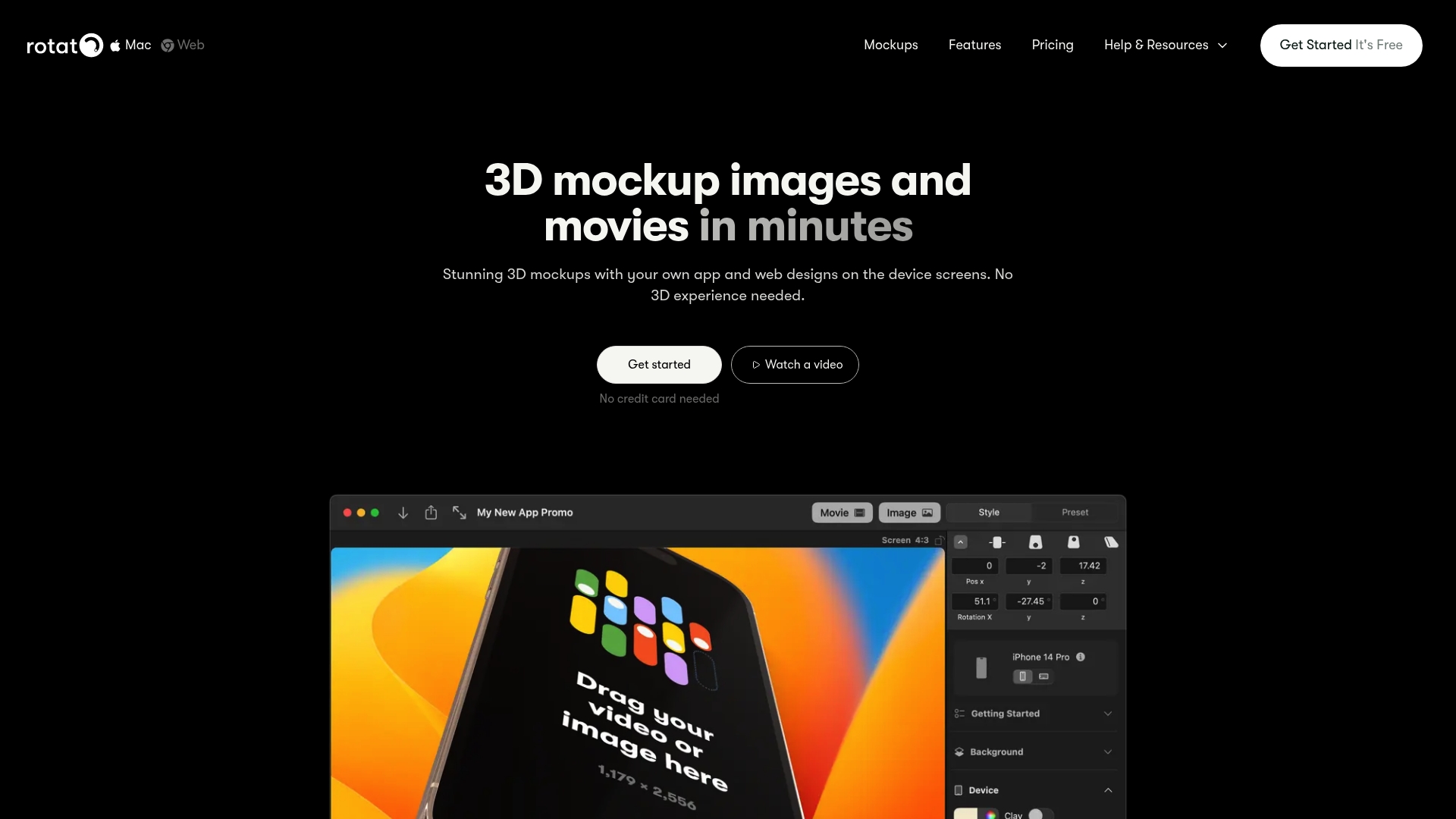
Rotato delivers fast, highly customizable 3D mockups that let you turn app and web screens into polished device scenes without 3D expertise. It fits designers and teams who need high fidelity visuals and video exports with minimal setup.
Core Features
Rotato focuses on visual realism and export flexibility with an easy workflow: add your design, customize the scene, then export.
- 3D mockups with customizable device reflections, backgrounds, and colors
- 30+ device models ready for production use
- 8K export for both video and image output
- Support for over 50 image and video formats and a Figma plugin
- Animation timeline and motion presets for dynamic mockups
Pros
- Fast mockup creation: You can produce finished device scenes quickly without learning complex 3D software because the interface guides the process.
- High customization options: You can tweak reflections, backgrounds, and device styles to match brand guidelines and achieve consistent visuals.
- Professional export quality: The app supports image and video export up to 8K so marketing teams can supply pixel perfect assets for campaigns.
- User friendly for non 3D experts: The simple three step process reduces friction for freelancers and product teams new to 3D mockups.
- Large device library: The included device models and templates cover common phone and tablet sizes so you can visualize interfaces across devices.
Cons
- Platform availability is limited: Rotato is available for Mac and the Web which excludes Windows native users from the primary app experience.
- Pricing structure may feel steep: The product uses one time payments for Pro plans and prices such as Basic at $79 may be cost prohibitive for some solo creators.
- Advanced features require time: Motion presets and deeper customization demand a learning investment for users who are new to animation timelines.
Who It’s For
Rotato suits designers, freelancers, and small design teams who need quick, professional 3D device mockups for presentations, portfolios, or marketing. Product teams that want high resolution assets for stakeholder review will also find clear value.
Unique Value Proposition
Rotato combines ease of use with production quality by offering realistic device scenes, export options up to 8K, and a large set of ready models. That blend lets teams replace manual mockup assembly with repeatable, brandable outputs.
Real World Use Case
A designer imports an app screen, positions it on a smartphone model, adjusts reflections and background color, applies a motion preset, and exports a high resolution video to present to a client within a single session.
Pricing
Pro plans use one time payments with lifetime access and updates. Pricing starts at Basic for $79, Standard for $89, and Premium for $199 according to the published plan tiers.
Website: https://rotato.app
Previewed
At a Glance
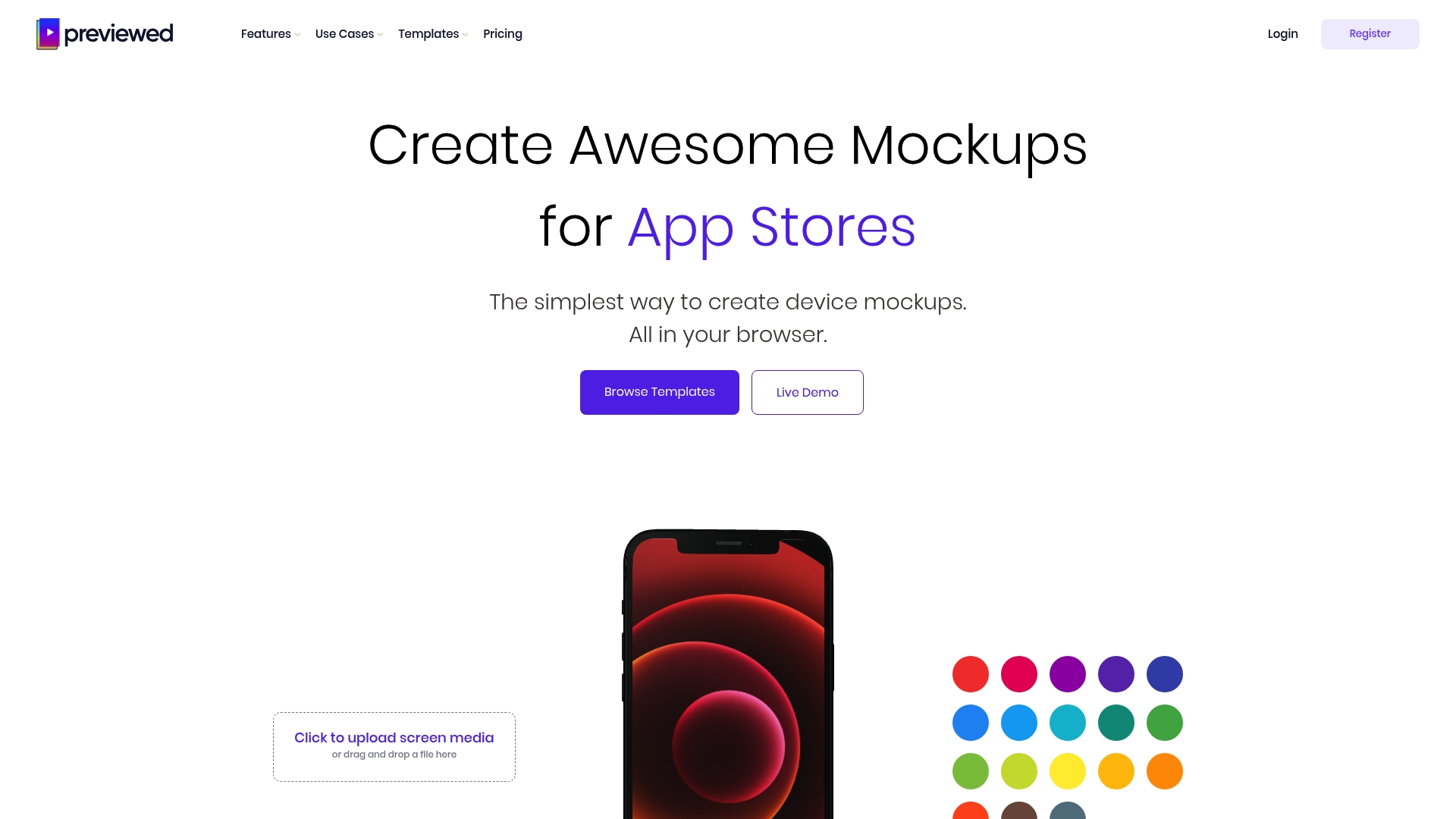
Previewed is a browser based mockup tool that helps you build app store and promotional visuals quickly and without heavy design software. It balances simple controls with support for animated scenes so you can produce both static screenshots and short promo clips.
Core Features
Previewed lets you Create device mockups across multiple device types and views using an Easy drag-and-drop interface that runs entirely in the browser. You can produce 2D and 3D mockups, animate device motion, customize texts and images, and Export in multiple formats for store listings and social media.
Pros
- User friendly interface: The browser based workflow removes setup friction and gets teams producing visuals fast.
- Wide device selection: A broad set of device templates lets you preview your app on phones, tablets, and other screens in minutes.
- Static and animated support: The tool handles both still images and simple animations so you can create promo videos alongside screenshots.
- Flexible export options: You can export JPEG, PNG, and video outputs which helps match App Store and social platform requirements.
- Affordable pricing choice: The availability of a free plan plus one time and subscription options makes it accessible to freelancers and small studios.
Cons
- Limited advanced editing features: The data shows little detail on pro level design tools which may frustrate power designers.
- Browser performance dependency: Rendering complex 3D scenes may tax weaker machines and cause slowdowns during export.
- Lack of direct comparisons: The product description does not include comparisons with other mockup tools which makes feature trade offs harder to judge.
Who It’s For
Previewed fits app developers, marketers, and designers who need fast, presentable app visuals without learning a full design suite. Teams that prioritize speed and clear store assets over pixel perfect compositing will get the most value.
Unique Value Proposition
Previewed combines a lightweight browser interface with support for animated device scenes so you can produce both screenshots and short promo clips from one tool. That single workflow reduces handoffs between designers and marketers.
Real World Use Case
A mobile app startup uses Previewed to generate device mockups for App Store listings and to create 15 second promo videos for social ads. The same templates and exports feed their pitch decks and marketing posts.
Pricing
Previewed offers a Free plan for basic use. The Plus plan is available for a one time fee of $9.99. The Pro plan is priced at $19 per month with yearly billing and includes unlimited exports and advanced features.
Website: https://previewed.app
AppLaunchpad
At a Glance
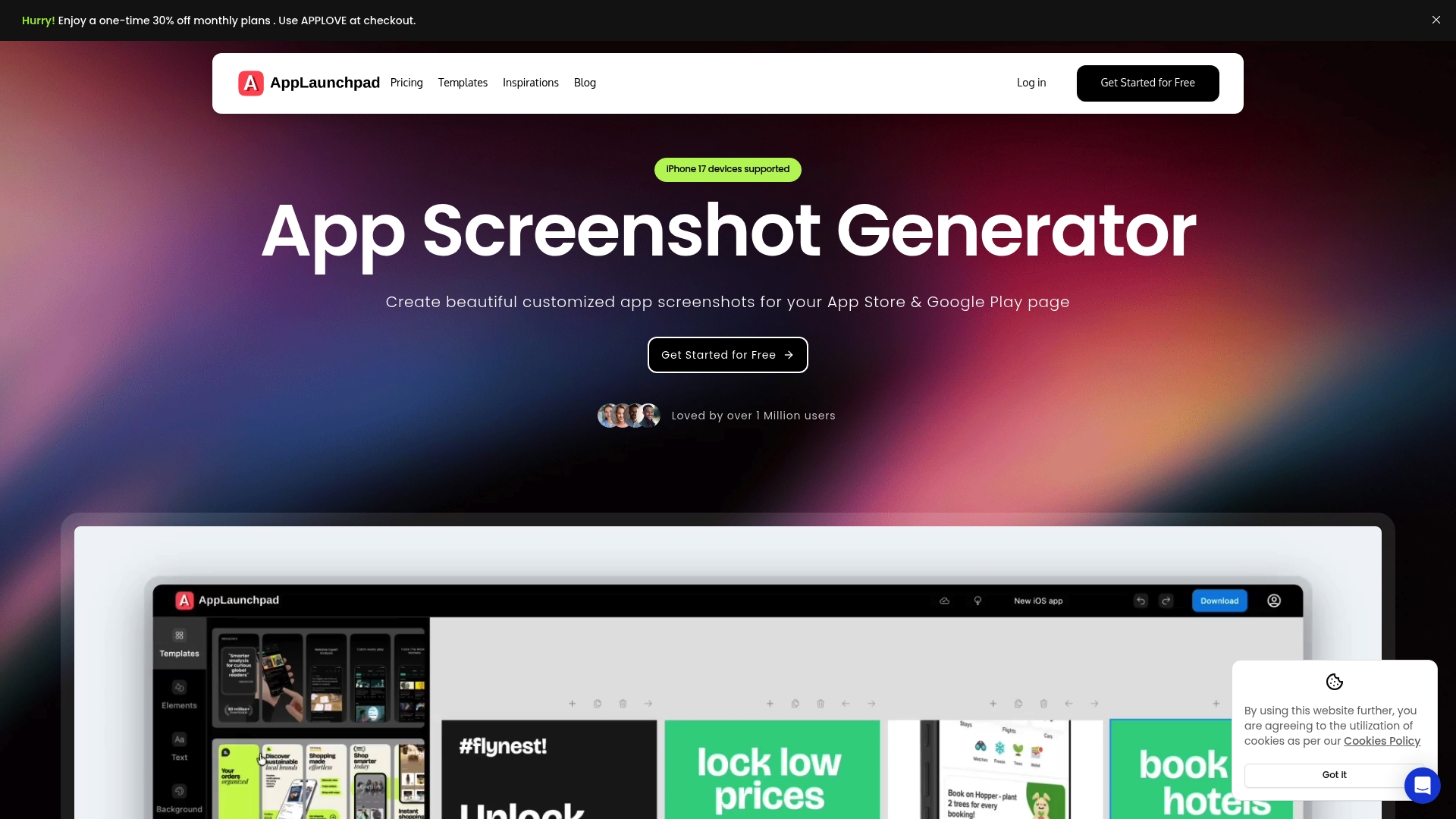
AppLaunchpad helps developers and marketers create professional app store screenshots quickly with minimal design work required. It combines a large template library and automated resizing so you can produce store-ready visuals for multiple devices in minutes.
Core Features
AppLaunchpad offers 1,000+ pre-designed templates, support for the latest iOS and Android device mockups, and a library of over 2,000 icons and illustrations to polish visuals without external tools.
The platform also provides background customization, localization options, font controls, and automatic generation of all required screenshot sizes to reduce manual resizing and rejection risk.
Pros
- User-friendly drag-and-drop interface makes building screenshots fast and accessible for non-designers with a short learning curve.
- Wide template and device mockup selection lets you match current store trends and show your app on the latest devices like iPhone 17.
- Automated resizing and scaling save time by producing multiple store-accurate assets from a single layout automatically.
- Localization features allow you to adapt screenshots for different languages and regions to improve global conversion potential.
- No design experience needed because templates, mockups, and an assets library handle most creative choices for you.
- Library of icons and illustrations reduces reliance on third-party asset packs and speeds up iteration during A B testing.
Cons
- Some capabilities remain restricted on the free plan, which limits access to premium templates and high volume exports for teams.
- Key premium features such as extensive branding controls and advanced mockups require a paid subscription, adding cost for agencies and studios.
- The service is browser based only, so offline editing or a native desktop app is not available for designers who prefer local tools.
Who It’s For
AppLaunchpad fits indie developers, marketing teams, and small agencies that need high quality app store visuals without hiring a designer. It works well when you must produce compliant screenshots quickly for launches or updates across iOS and Android.
Unique Value Proposition
AppLaunchpad combines a broad template library with automatic export sizing and localization in one web tool, letting teams produce store-optimized screenshots faster than juggling design files and manual resizing workflows.
Real World Use Case
An indie developer launching a productivity app uses AppLaunchpad to create five localized screenshot sets, export the exact sizes for App Store and Google Play, and run A B tests within two days instead of weeks.
Pricing
A free plan is available with limited features and exports for trial and small projects. The Pro plan costs $15 per month and includes unlimited exports, full access to templates, device mockups, localization, and branding options.
Website: https://theapplaunchpad.com
Mockuphone
At a Glance
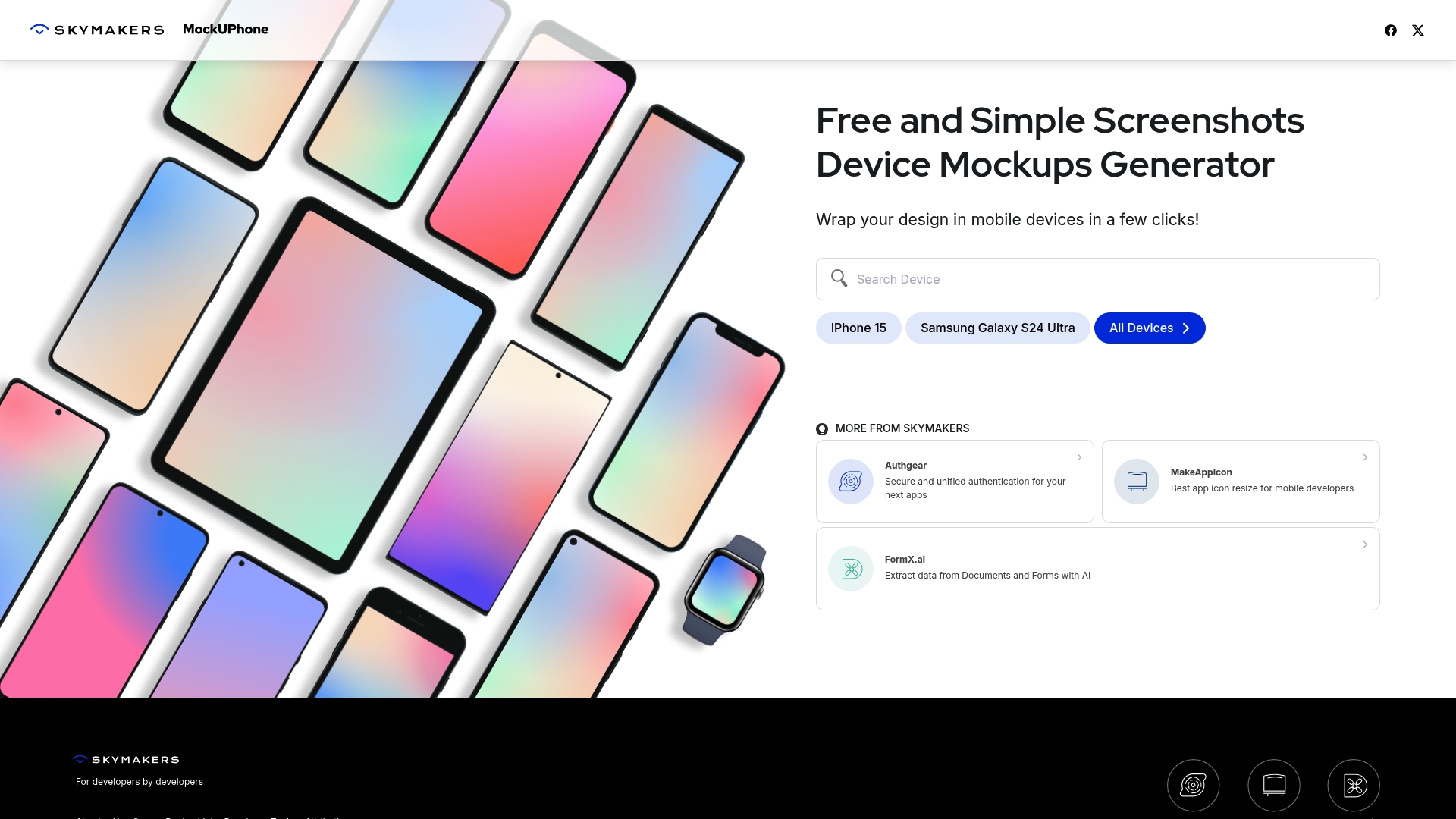
Mockuphone is a free and focused device mockup generator that wraps your app screenshots in realistic phone frames with minimal fuss. It works best when you need fast, presentable visuals for marketing or client review without a design backlog.
Core Features
Mockuphone lets you wrap app screenshots in a wide selection of device frames with a few clicks. It lists models such as Iphone 15 and Galaxy S24 Ultra, provides a broad device collection, and keeps an easy to use interface for fast mockup creation.
Pros
-
Free to use. The core tool is available at no cost which makes it low risk for small teams and indie developers.
-
Simple user experience. The interface requires almost no learning time so you can produce visuals during a quick review cycle.
-
Wide device support. The library includes many popular models which helps you match screenshots to target user devices.
-
Fast output for marketing. You can generate presentation ready images rapidly for store listings social posts and decks.
-
Good for portfolios and proposals. The results are polished enough for client pitches and online case studies.
Cons
-
Limited customization options compared to professional tools. You cannot perform detailed layout edits or advanced graphic treatments inside the tool.
-
Focuses solely on device mockups and lacks broader editing features. It does not replace an image editor or design suite when you need layout tweaks or branded templates.
-
Advanced or bulk features may require payment. While basic use is free additional capabilities and high volume operations may sit behind paid plans.
Who It’s For
Designers developers and marketers who need reliable device framed images quickly will get the most value from Mockuphone. If your deliverable is a clean device shot for a store listing social post or client presentation this tool removes friction.
Unique Value Proposition
Mockuphone delivers fast mockups with minimal overhead by focusing on device framing rather than full design workflows. The combination of a broad device library and a no fuss interface lets small teams produce consistent visuals without design software.
Real World Use Case
A mobile developer preparing a press kit and an app store listing uses Mockuphone to create device framed screenshots for landing pages and social media. The developer exports several device sizes within minutes and attaches the images to a marketing brief.
Pricing
Mockuphone is free for basic mockup creation which covers most common needs for single images. Paid features or bulk operations may be offered for teams or heavy users according to the site details.
Website: https://mockuphone.com
App Mockup and Screenshot Tools Comparison
Below is a comprehensive table comparing various tools designed for generating app mockups and screenshots, highlighting their features, advantages, disadvantages, pricing, and usability.
| Tool Name | Features | Pros | Cons | Pricing |
|---|---|---|---|---|
| AppScreenKit | 3D device rotation, one-click export, auto resizing | Fast and professional, supports iOS and Android, custom branding | No free unlimited usage | Free tier, Premium $4.17/month billed annually |
| AppPreviewMaker | 50+ device frames, drag-and-drop editor | Free, unlimited exports, no watermarks, supports latest devices | Narrow focus on screenshots, limited templates | Free tier, Pro $7.99/month billed annually |
| Rotato | Customizable 3D mockups, animation timeline, 8K export | High-quality exports, user-friendly, wide device library | Mac/Web only, learning curve for animations | One-time: Basic $79, Standard $89, Premium $199 lifetime |
| Previewed | Drag-and-drop interface, animated sequences | User-friendly, versatile exports for stores and social media | Dependency on browser performance | Free tier, Plus $9.99 one-time, Pro $19/month billed annually |
| AppLaunchpad | 1,000+ templates, localization, automated resizing | Extensive templates, localization, broad device support | Limited features in free plan, browser-only | Free tier, Pro $15/month |
| Mockuphone | Device mockups with wide model selection | Free to use, fast, simple to operate | Limited customization, narrow tool scope | Free for basic usage |
Upgrade Your App Store Visuals with AppScreenKit
Looking for a streamlined and pixel-perfect alternative to AppPreviewMaker that eliminates complex resizing and design hurdles? Many developers and marketers face challenges such as manual exports for multiple device sizes, limited customization options, and the risk of app store rejections. AppScreenKit tackles these pain points head on by offering true 3D device mockups with rotation, one-click exports, and pre-built templates to speed up your workflow without requiring advanced design skills.
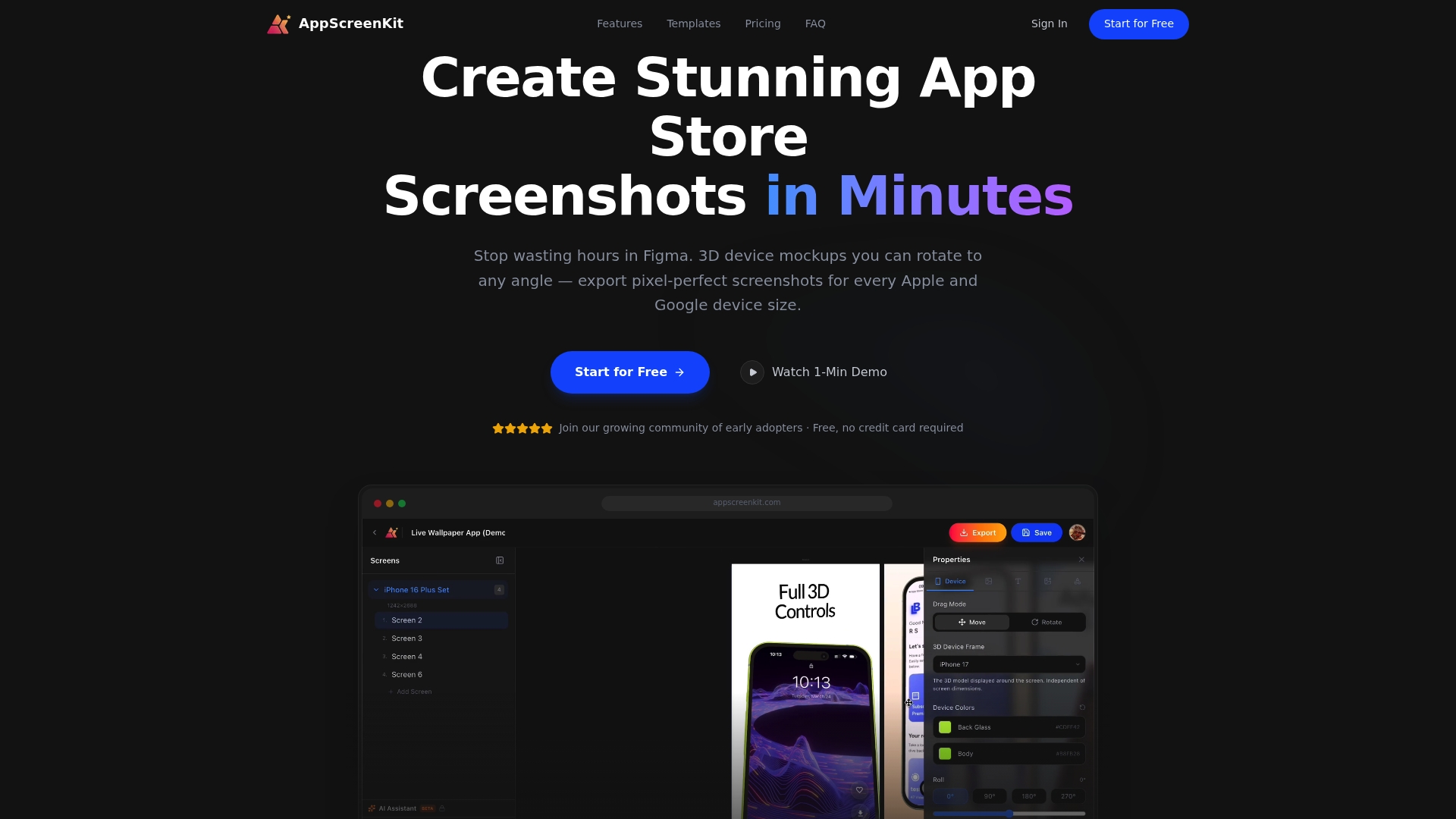
Get the professional results your app deserves by trying AppScreenKit today. Experience faster launches, consistent branding, and rejection-free submissions all from one powerful web platform designed specifically for indie developers and small teams.
Frequently Asked Questions
What are the top alternatives to AppPreviewMaker.com in 2026?
AppPreviewMaker.com alternatives include tools that focus on creating app store screenshots and promotional visuals quickly and efficiently. Explore options that offer similar features such as mockup generation, template libraries, and automated resizing.
How do I choose the right AppPreviewMaker alternative?
To choose the right alternative, evaluate features based on your specific needs such as speed, ease of use, template diversity, and pricing. List out the essential features you require, then compare each alternative based on these criteria to find the best fit for your project.
Can I find free alternatives to AppPreviewMaker.com?
Yes, many alternatives offer free tiers for users to create app screenshots without upfront costs. Look for tools that allow unlimited exports or basic features for free to test their capabilities before committing to any paid plans.
How long does it take to create app visuals using alternatives to AppPreviewMaker.com?
Creating app visuals with these alternatives can often be completed in a matter of minutes, depending on the tool and your familiarity with it. Aim to set aside 30–60 minutes to explore the interface and produce polished screenshots for your app store listing.
Are there alternatives that support both iOS and Android screenshots?
Yes, several alternatives support both iOS and Android devices, allowing you to create screenshots that meet the requirements of both app stores. Choose a tool that specifies multi-device support to streamline your workflow and reduce inconsistencies in your app visuals.
What features should I prioritize in an AppPreviewMaker alternative?
Prioritize features like easy mockup customization, automated resizing for different devices, and a user-friendly interface. Look for tools that also provide high-quality export options and have a large template library to expedite the creation process.
Leave a Reply